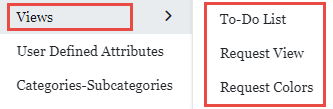
Settings > View > To-Do List:
Concepts:
Task cards represent the task of a request that the user is holder on.
Task cards of each user are displayed in “My Tasks” screen of Request Management Module.
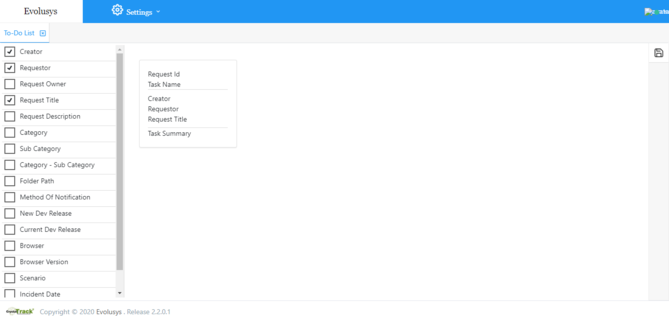
To-Do List controls the display of these cards.
Attributes displayed in the task card are the selected attributes of the list from the left pane.
In front of the list is a display of task card design that changes according to selected attributes.
The maximum number of selected check boxes is four.
Modify attributes selection to change the display of the task card.
To save the attribute selection click on save button at the right of the page.


 contact@evolusys.com