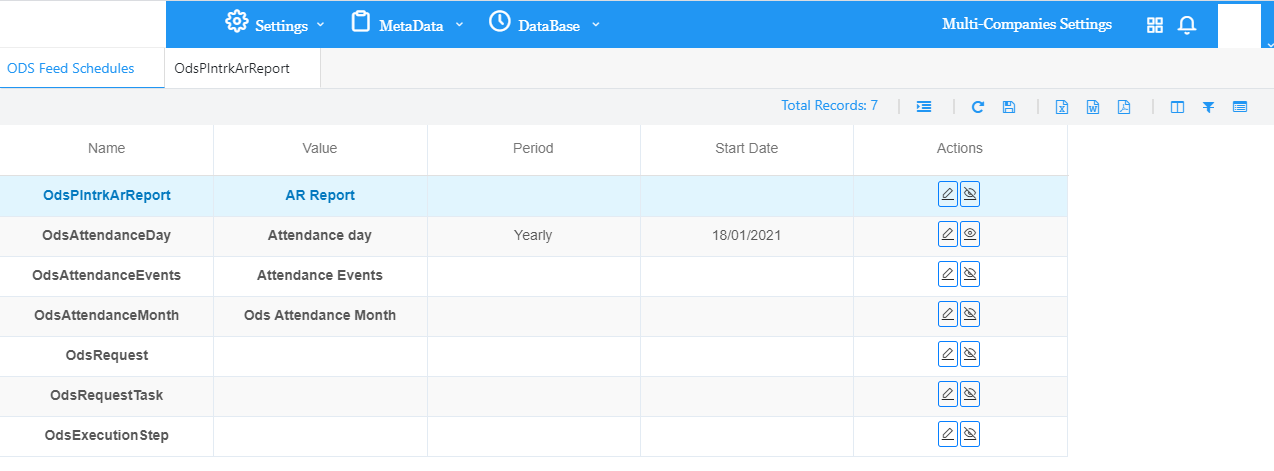
User sets a schedule for every table to be filled with the corresponding PM4PI data.
Under Actions, user can either edit or deactivate the schedule.
Edit:
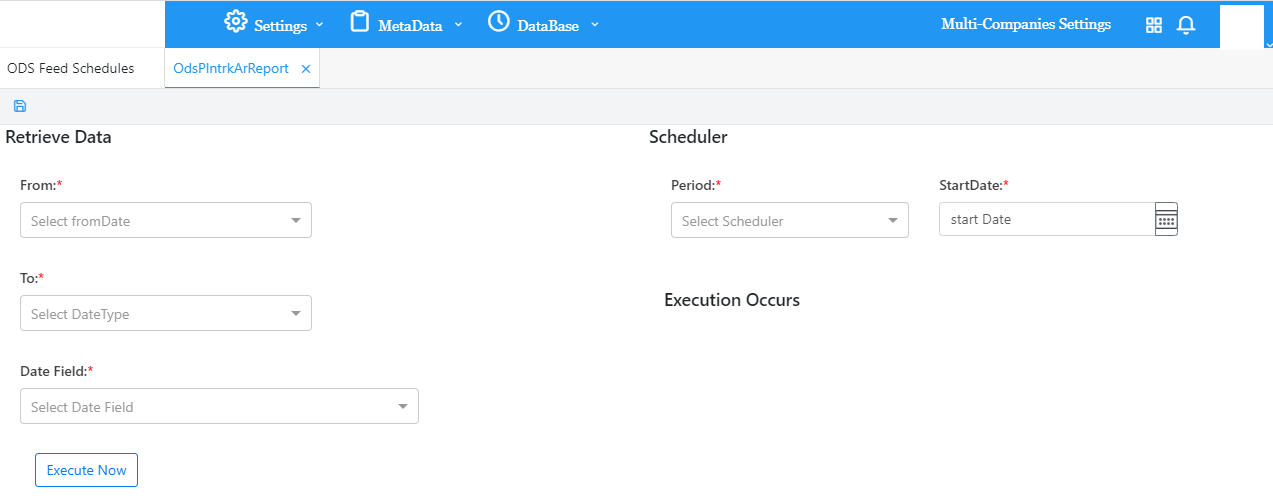
On the Retrieve Dataside:
Choose an option from the From list.
Choose a date under Calendar.
Choose an option from the To list.
Choose a date under Calendar.
Choose the Date Field.
On the Schedulerside:
Choose an option under Period then choose a Start Date.
On the Execution Occurs side:
Choose the Daily Execution by clicking on the up / down arrows to adjust the hours and minutes as desired.
Click on Execute Now in order to immediately execute OR click on Save in the menu toolbar to save the scheduler which will be executed as per the chosen options.


 contact@evolusys.com