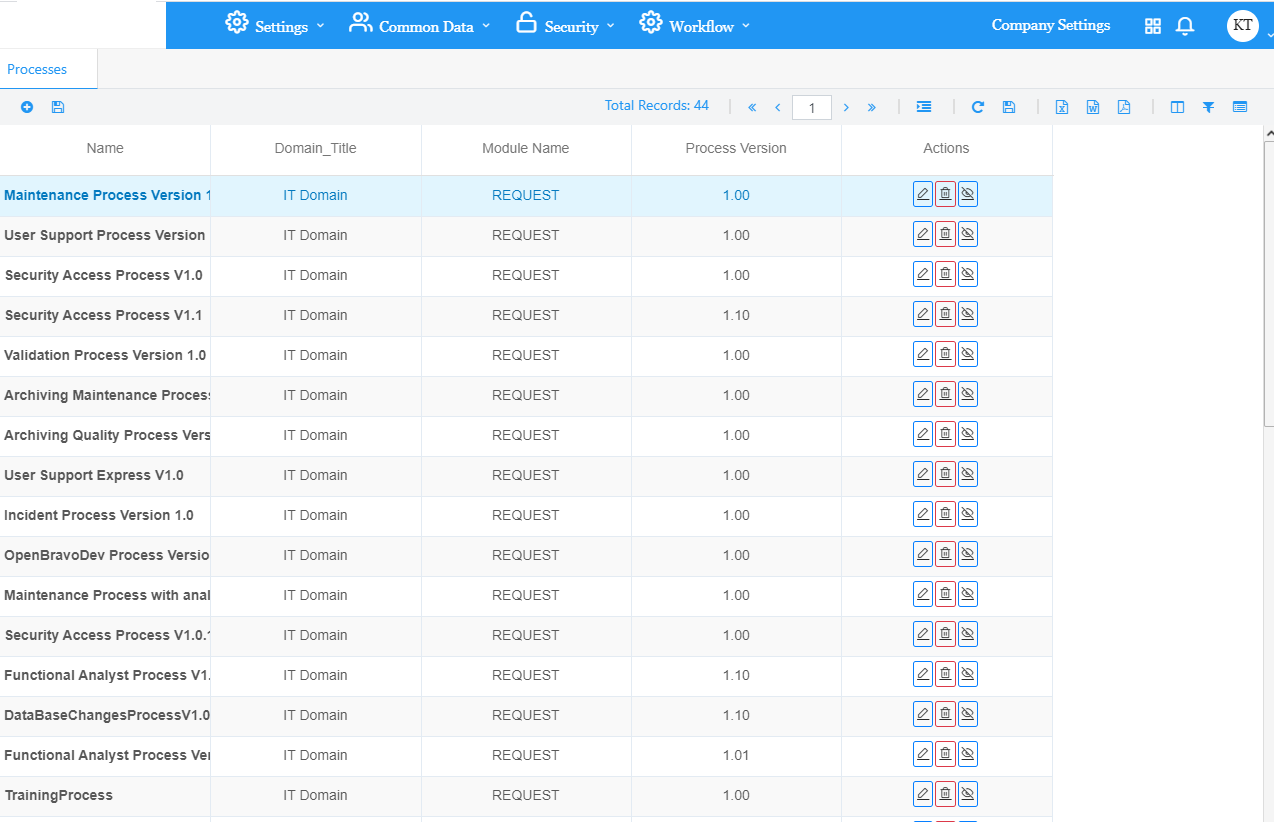
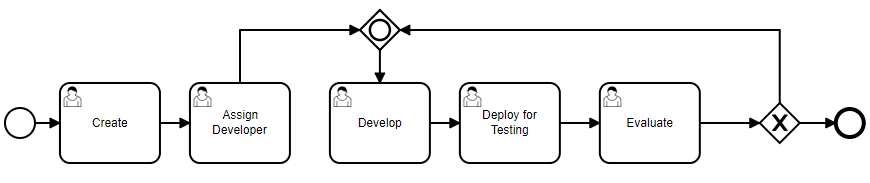
A process is a workflow of tasks needed to ensure the life cycle of a request from creation to closing and archiving.
If a task has multiple paths, it must have a condition. The path is chosen based on the condition value.
Each task is associated to one profile only.
A profile is a set of users defined by the functional administrator.
Create Process:
Click on the + add button to create a new process.
Enter Process Name and Process ID then choose the Domain.
Click Create.
Drag and drop tools from the left pane to form the process.
A process is a group of tasks that have their own properties and actors (users that can complete the task).
Click on every tool to identify its properties.
User can Undo / Redo any current action.
User can Save, Deploy, Import and Download any process.
Every process has a task type and each task has a status.
Click on the Edit button under Actions to edit a process.
Click on the Delete button under Actions in order to delete a process. User can delete a process that is not used.
Click on the Deactivate button under Actions to deactivate a used process. The process will still be active for old requests and will no longer appear when creating new ones.


 contact@evolusys.com