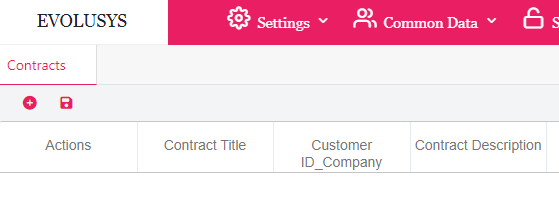
Click on the contracts name in order to view its information
Click on the edit button under Actions to edit a row (prerequisite: permission to edit contracts is enabled)
Click on the delete button under Actions to delete a row
Click on the add button in the toolbar to add a contract.
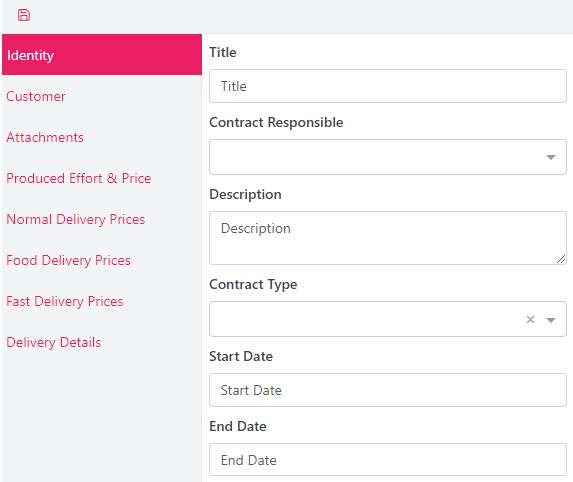
Fill all mandatory and / or optional fields of all tabs then click Save.


 contact@evolusys.com